
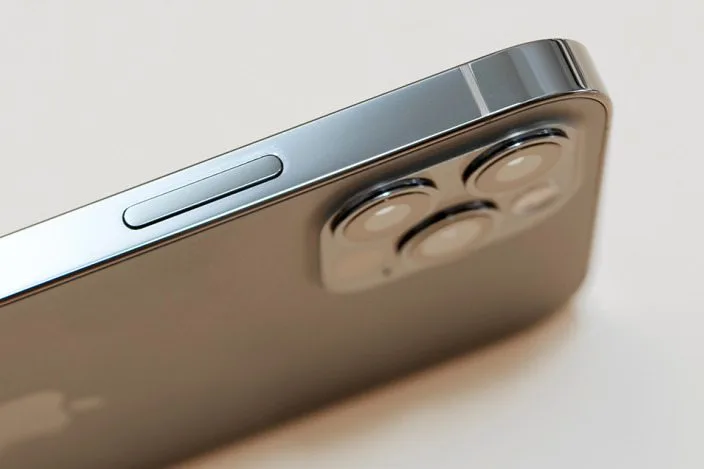
Google Pixel Power Button Problems
A faulty power button on your Google Pixel can make it difficult to lock or unlock the screen, restart the device, take screenshots, or switch the phone on and off. Since the power button is used frequently, it may become worn out over time or stop working due to accidental drops, liquid damage, or internal flex cable issues. In some situations, battery or software problems can also cause the button to appear unresponsive, making proper diagnosis essential.
Troubleshooting Google Pixel Power Button Issues
Start by ensuring your Google Pixel has sufficient battery charge. Connect it to a reliable charger and allow it to charge for a while before testing the power button again. If the phone remains unresponsive, the issue could be related to the battery, charging system, or a temporary software freeze rather than the button itself.
Next, try performing a force restart using the appropriate button combination for your Google Pixel model. Software glitches can sometimes prevent the power button from responding correctly. You can also use Android's accessibility features, such as the on-screen accessibility menu, as a temporary way to lock or restart your device until the hardware issue is resolved.
Inspect the power button for signs of physical wear. If it feels loose, stuck, difficult to press, or works intermittently, the internal button mechanism or flex cable may be damaged. Frequent use, accidental impacts, or moisture exposure can affect the button's performance over time.
Professional Google Pixel Power Button Repair
If the issue continues after troubleshooting, your Google Pixel may require professional power button repair or replacement. Our experienced technicians can inspect the button assembly, internal flex cable, frame alignment, and motherboard connections to identify the exact cause. We provide a clear repair assessment before starting any work, and you can choose between visiting our service centre or using our convenient pickup and delivery service.
Don't let a faulty power button affect your daily routine. Visit our Google Pixel repair centre today and let our experts restore smooth, reliable button functionality and get your device working properly again.